 Scan & Sign by FormsPal
Paper in. PDF out.
FormsPal’s free document scanner app for iPhone and iPad turns paper into cropped, cleaned-up, searchable PDFs. ID cards land front and back on one page, and a business card can go straight to your Contacts.

Free, nothing to buy No account No ads or trackers
Scan
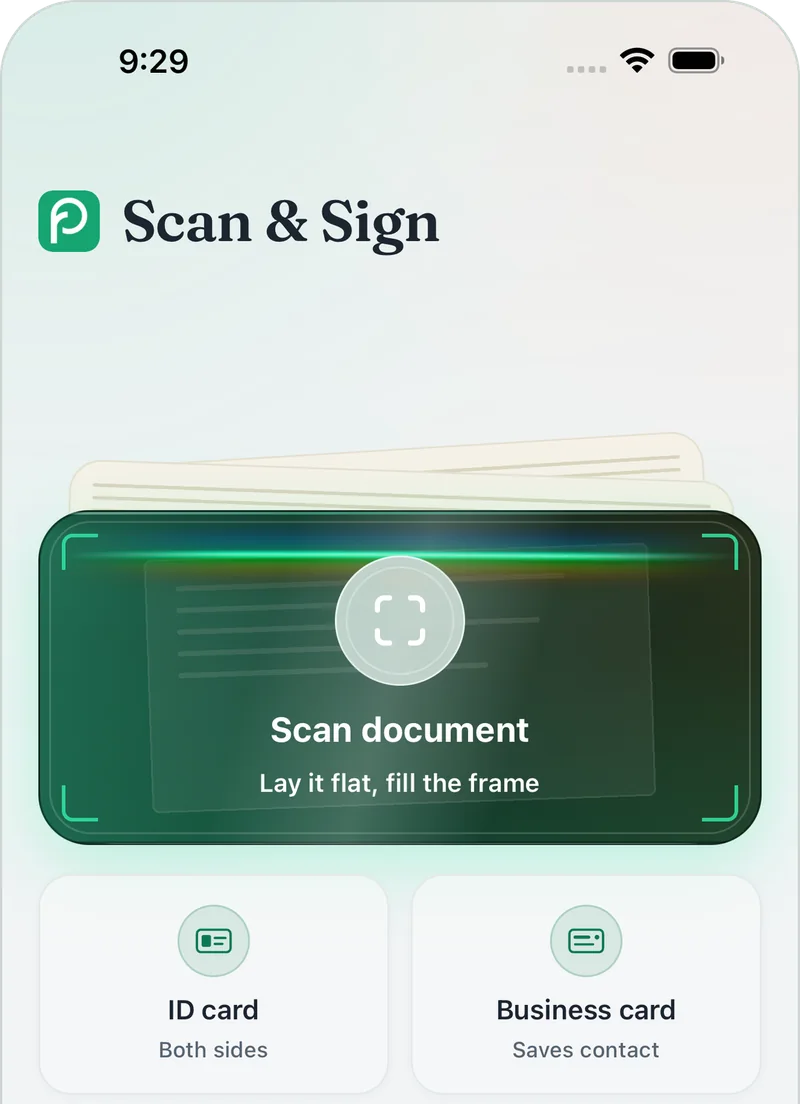
Point at a page. The app does the rest.
Finds the edges
The camera spots the paper and crops to its edges. Adjust the corners if you want.
Fixes the light
Clean up shadows and uneven lighting, or keep the page exactly as shot.
Joins the pages
Combine scans into one PDF, with every original kept.
Read and share
Copy it, export it, or ask about it.
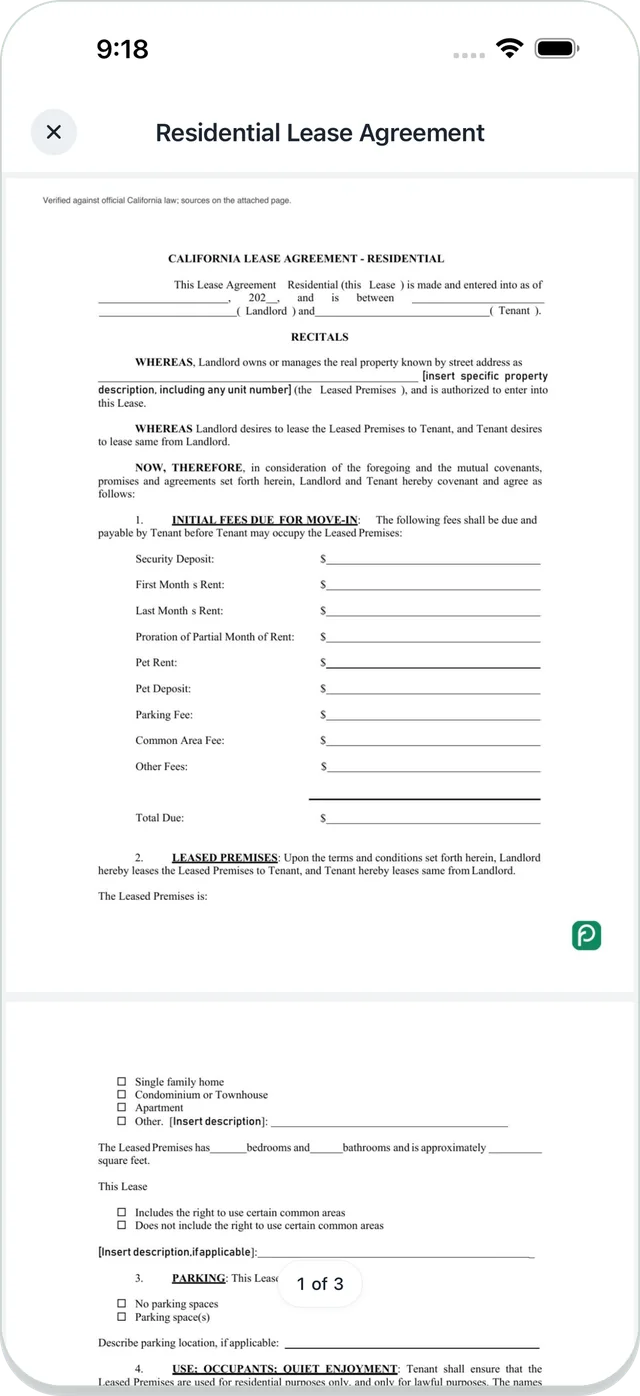
Pages are read on your device, so you can search your scans by the words in them.
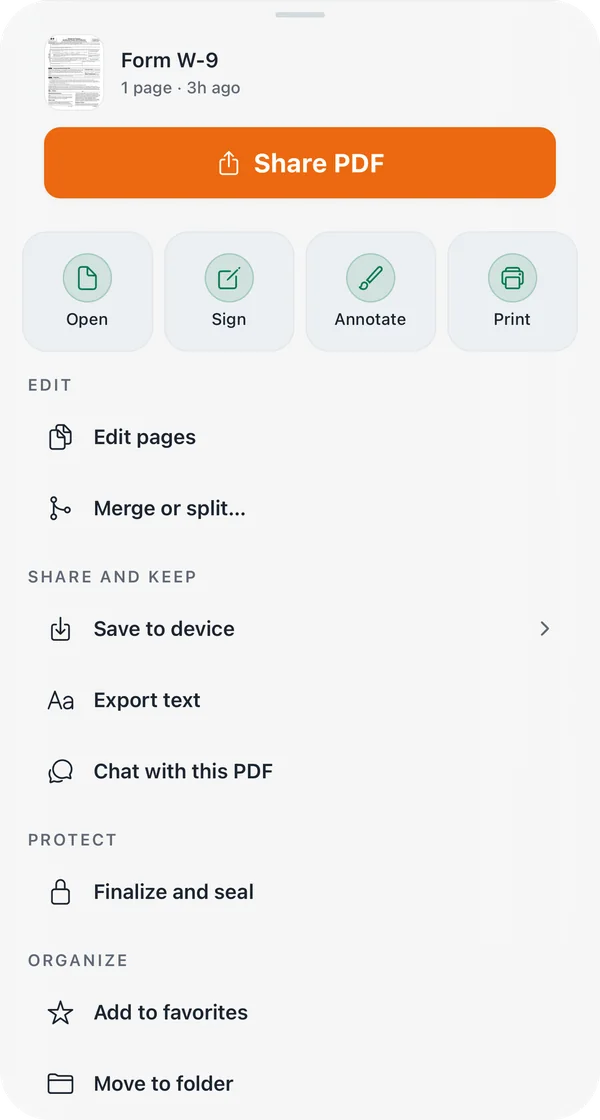
Copy the text, export it as a plain text file, or send the PDF from the share sheet. For a long document, open it in FormsPal’s free PDF Chat and ask your question.
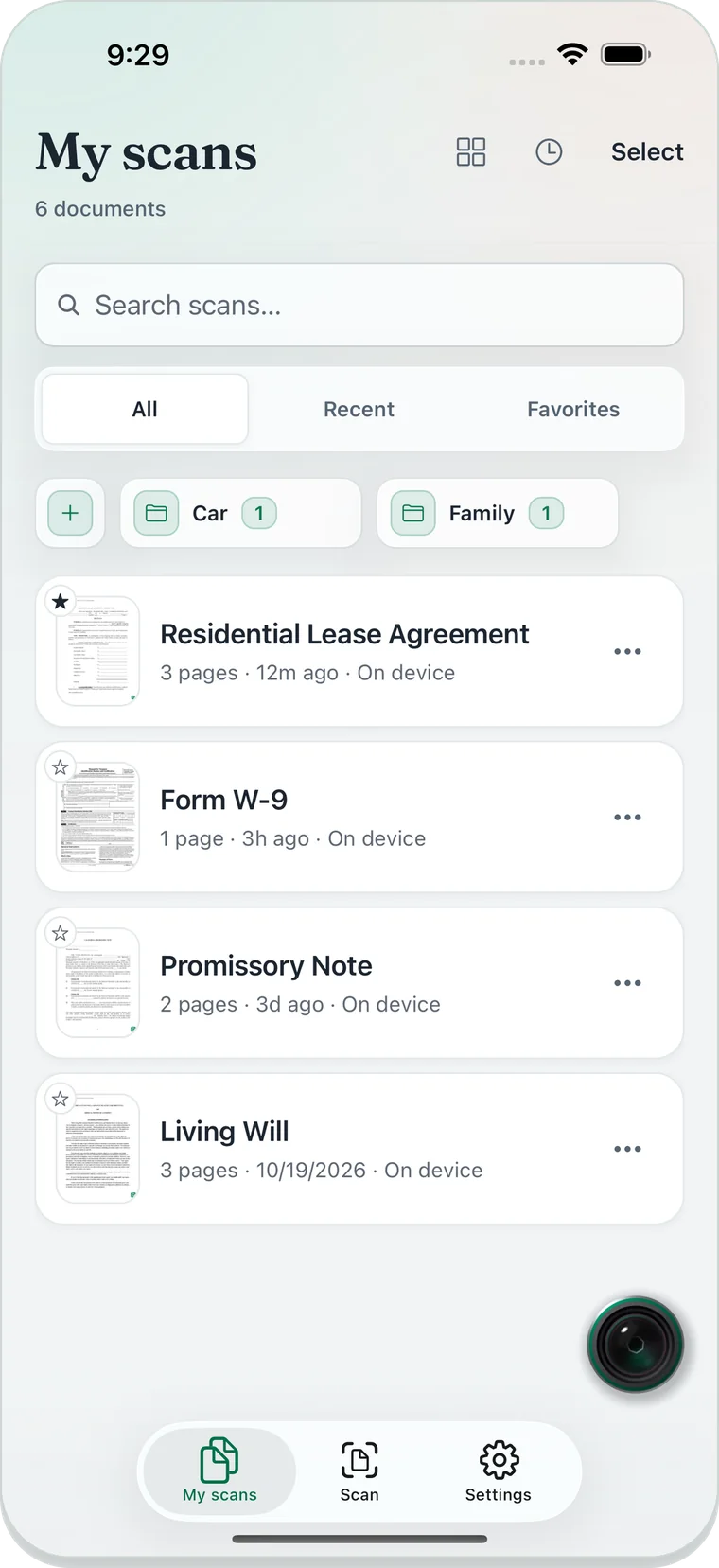
Keep
Your paperwork, organized.
Every scan lands in My scans. Sort them into folders, star the ones you need often, and search across all of them.
Your scans stay on your device.
- Text recognition runs on your iPhone or iPad.
- A document leaves the device only when you send it: to PDF Chat, or through the share sheet.
- No ads. No third-party trackers or analytics.
The details are in the privacy policy.
More than paper
- ID cards, both sides
- Scan the front and the back, and both land on one PDF page.
- Business cards to Contacts
- Scan a card and add the person to your Contacts.
- A tamper-evident seal
- Seal the final version, and the seal shows whether it has changed since.
Also in the app: QR codes and barcodes (links never open by themselves), signing a scan, and printing.
Questions
Is the scanner free?
Yes. Everything in the app is free: scanning, text recognition, searchable PDF export, signing and sealing. There is nothing to buy.
Do I need an account?
No. The app works without an account. Open it and start scanning.
Which devices does it run on?
iPhone and iPad with iOS or iPadOS 16.4 or later.
Get the scanner, free.
No account, and your scans stay on your device.
For iPhone and iPad, iOS or iPadOS 16.4 or later.
Apple, the Apple logo, iPhone, and iPad are trademarks of Apple Inc., registered in the U.S. and other countries and regions. App Store is a service mark of Apple Inc.